CRM & Pipeline
What Would a Solo AI Founder Use monday.com For?
You are building an AI product or consultancy by yourself. You handle sales calls, product work, client delivery, and invoicing in the same week. You do not need a tool that looks impressive in a demo. You need one system that keeps your pipeline visible, your projects moving, and your handoffs clean without adding another job to your week.
By Alex Vero, Editorial Lead
Published: March 22, 2026
Last updated: March 31, 2026

Shortlist monday.com before you read the full breakdown
Open monday.com to review current CRM pricing, the 14-day trial, and whether the three-user minimum still makes sense for your pipeline and delivery workflow.

Deep-dive guide on monday.com
Why a solo AI founder needs one operating tool, not five
Most solo founders start with a CRM for sales, a project tool for delivery, a spreadsheet for tracking revenue, and a task app for personal to-dos. Within two months the same information lives in four places and none of them are current. The problem is not that the tools are bad. The problem is that one person cannot maintain four systems and still do the actual work.
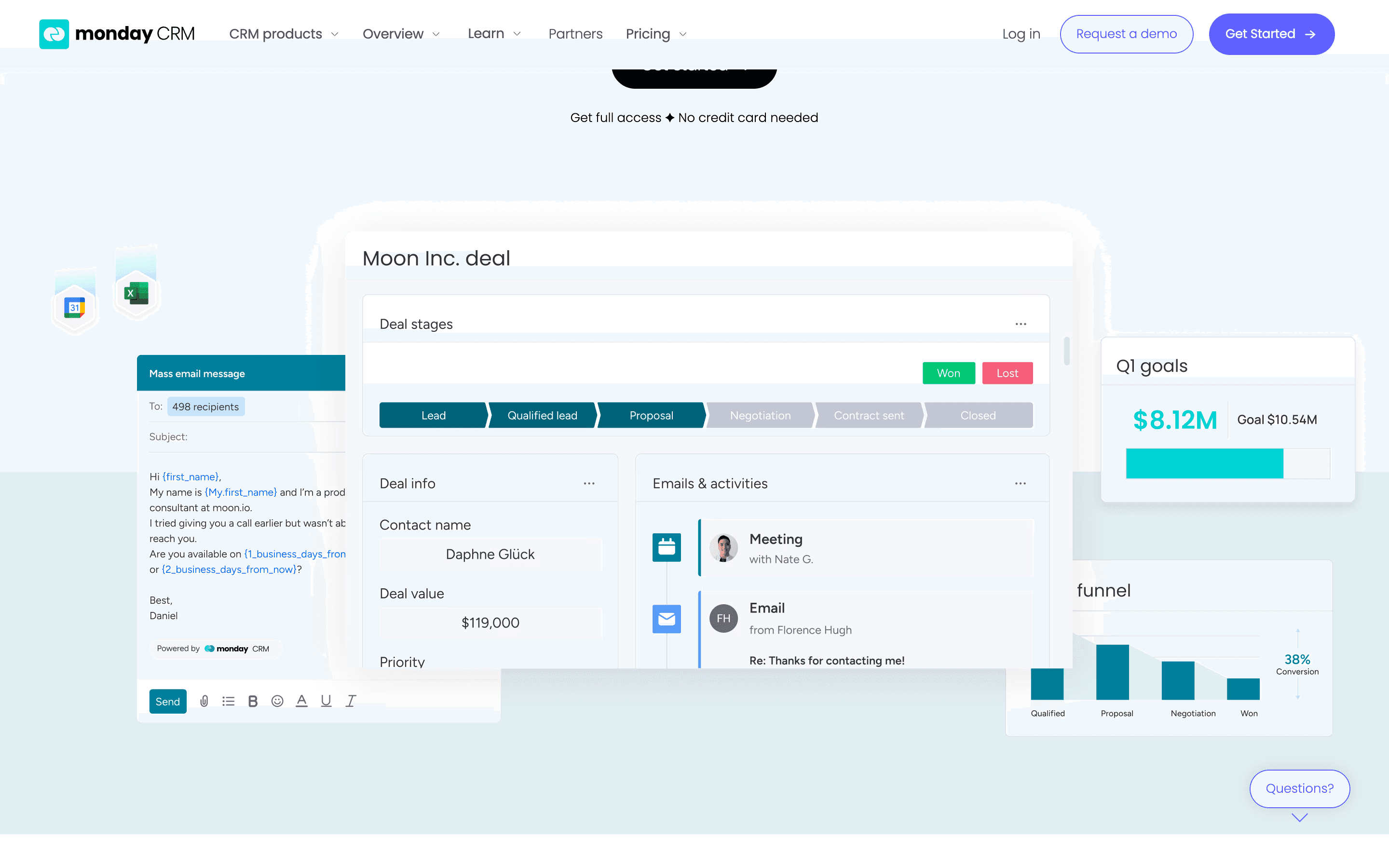
monday.com works here because it is not strictly a CRM. It is a workspace you can shape into a pipeline board, a project tracker, a client onboarding checklist, and a simple revenue dashboard. All of that lives in the same account, the same interface, and the same notification stream. You stop context-switching between apps and start working from one screen.
For an AI founder specifically, the work changes fast. One week you are closing a consulting engagement, the next you are shipping a prototype, the week after you are onboarding the client for an ongoing retainer. A rigid CRM cannot flex with that pace. monday.com can because the board structure adapts to whatever your operating reality looks like this month.
Pricing and source note
Pricing and plan details below were verified on March 31, 2026 from monday's official CRM pricing materials. Recommendations here are our editorial judgment based on those published plan details.
- monday CRM Basic: $12 per seat/month billed annually. Source: monday.com pricing overview.
- monday CRM Standard: $17 per seat/month billed annually. Source: monday CRM pricing.
- monday CRM Pro: $28 per seat/month billed annually. Source: monday CRM pricing.
- Trial and seat minimum: monday's pricing pages say CRM plans start from 3 users and include a 14-day free trial. Sources: monday CRM pricing and monday.com pricing overview.
For a solo founder, that means the practical entry math is about $36/month on annual billing before you add any extra seats. If you only need a simple sales pipeline, read monday CRM vs Pipedrive before assuming the broader workspace is worth the setup.
Pipeline setup: deals from first call to signed contract
Start with one board called Sales Pipeline. Create five columns: Lead In, Discovery Booked, Proposal Sent, Verbal Yes, and Signed. Each row is a deal. Add a person column for the lead contact, a date column for next follow-up, and a number column for estimated deal value. That is enough to run a real pipeline from day one.
The automation layer is where monday.com earns its cost. Set a rule: when status changes to Proposal Sent, create a follow-up task due in three days. Set another: when status changes to Signed, create a new item on your Client Onboarding board with the same contact details pre-filled. These two automations alone eliminate the most common solo founder failure, which is losing momentum between selling and delivering.
Add a dashboard view that shows total pipeline value by stage and deals with overdue follow-ups. Review this once on Monday morning. That single view replaces the spreadsheet, the sticky notes, and the anxiety about what you forgot to follow up on. It takes twenty minutes to set up and saves hours every week.
Delivery tracking: from signed deal to shipped project
Create a second board called Active Projects. When a deal moves to Signed on the pipeline board, the automation creates a new project item here. Add columns for project phase, next milestone, client contact, and a timeline for the delivery window. This is not project management theater. It is the minimum structure that stops you from losing track of what you promised and when.
For AI work specifically, add a status column for Technical Phase: Data Collection, Model Development, Testing, and Deployment. This gives you a simple visual of where each engagement sits without needing a separate Jira or Linear instance. When a client asks for a progress update, you open one board instead of reconstructing the timeline from memory.
The handoff between sales and delivery is where most solo founders drop the ball. monday.com solves this by making the handoff automatic. The deal closes, the project appears, the context carries over. No copy- paste. No forgotten scope notes. No client wondering why you asked the same question twice.
Ready to compare monday.com against your current setup?
Open monday.com to review current CRM pricing, the 14-day trial, and whether the three-user minimum still makes sense for your pipeline and delivery workflow.
The weekly operating rhythm on one screen
Monday morning: open your dashboard. Review overdue follow-ups in the pipeline. Check active project milestones. Flag anything that needs client communication this week. That review takes fifteen minutes and replaces the scattered mental inventory that usually burns the first hour of every week.
Mid-week: check the pipeline for deals that have been static for more than a week. If nothing moved, the deal is probably stalling. Reach out or disqualify. Check active projects for any phase that should have advanced but did not. Surface the blocker now instead of discovering it on Friday.
Friday: update deal values and project statuses while the week is fresh. Add notes from client calls directly to the relevant item. This weekly cadence works because everything lives in one place. You are not reconciling three tools at the end of each week. You are maintaining one system that already has the context you need.
Frequently asked questions
Is monday.com worth it for a solo founder?
It is worth it when the same person needs one system for selling and delivery. If your biggest operational leak is the handoff between pipeline and project work, monday.com can replace multiple lighter tools. If you only need basic deal tracking, it is often more software than you need.
Can one person use monday CRM if paid plans start from three users?
Yes, but you are buying the three-user minimum. On the official pricing we verified, that means about $36/month effective on Basic annual billing. The question is not whether one person can use it. The question is whether the broader workspace replaces enough other tools to justify the minimum team cost.
What is the cheapest way to test monday.com before moving my workflow?
Use monday's 14-day free trial, build one pipeline board and one active-project board, then run your Monday review from those two views. That is enough to validate whether the workflow fits before you commit to the paid seat minimum.
When should a solo founder choose Pipedrive instead?
Choose Pipedrive when the job is pure selling: deal stages, next activities, reminders, and forecast clarity. Choose monday.com when the sales-to-delivery handoff is the bigger problem. Our monday CRM vs Pipedrive guide is the best next read if you are deciding between those two shapes of tool.
What to do next
If you want a broader comparison before committing, read Best CRM for Solo Agencies to see how monday.com stacks up against HubSpot Free, Brevo, and Pipedrive. If you are ready to build the stack around it, see Agency Stack Under $200/Month for the full lean setup with monday.com as the anchor.
If your current CRM is Pipedrive and you are starting to feel the limits of a sales-only tool, read Bye-Bye Pipedrive: When to Switch for the migration playbook.
Need to review monday.com pricing and trial terms next?
Open monday.com to review current CRM pricing, the 14-day trial, and whether the three-user minimum still makes sense for your pipeline and delivery workflow.
Free download
Get the Solo Agency Stack Checklist — free
Join 100+ agency founders getting weekly tool reviews, deal alerts, and workflow tips.
No spam. Unsubscribe anytime.